Splashpage
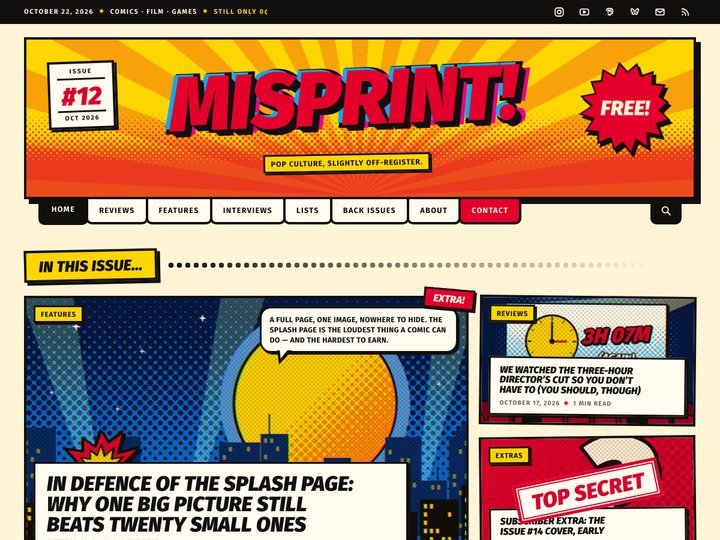
📝 Blog & MagazineA blog that reads like a comic book — masthead, panels, halftone and all.
Every theme here is the whole theme. No locked features, no licence key, no “upgrade to pro to remove this notice”. Download the zip, install it, use it on as many sites as you like — including for paying clients.
Showing all 10 themes
A blog that reads like a comic book — masthead, panels, halftone and all.
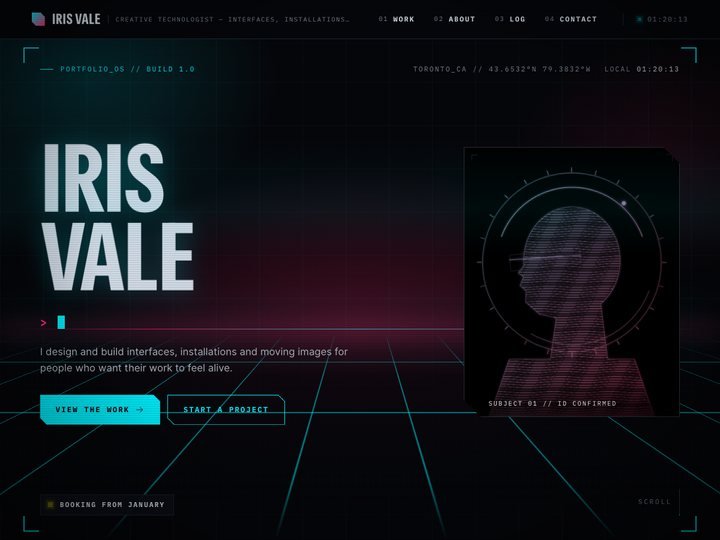
A portfolio that boots up like the HUD of a machine from a better future.
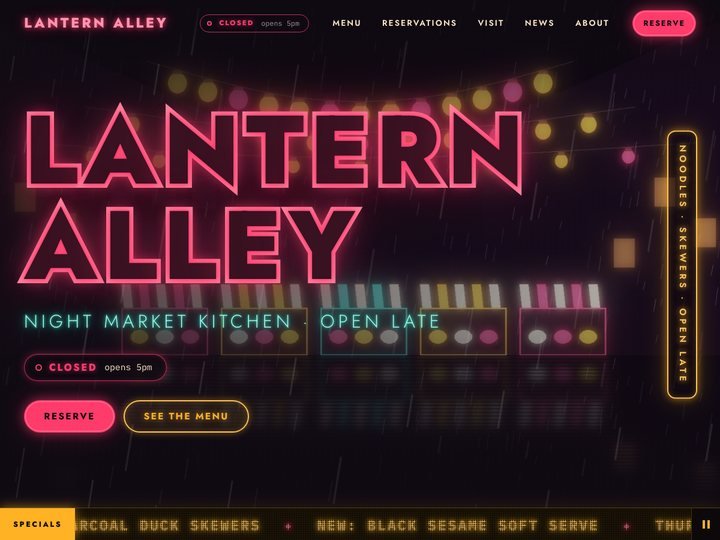
A restaurant theme lit like a night market — neon sign, live Open-now badge, glowing menu board.
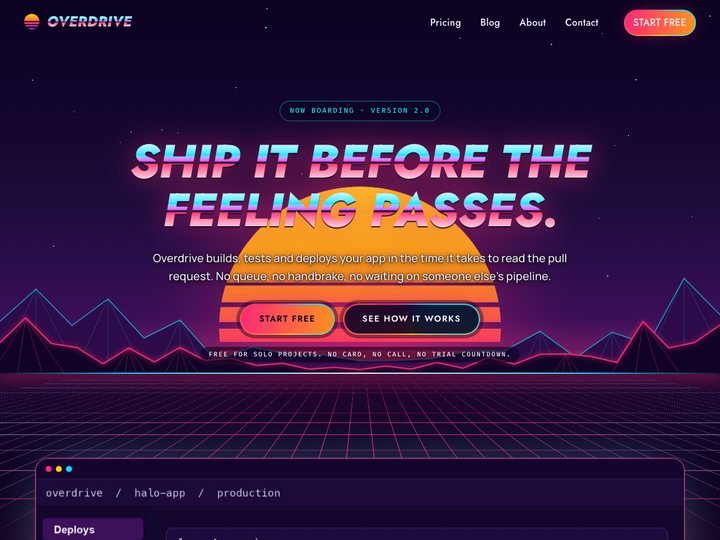
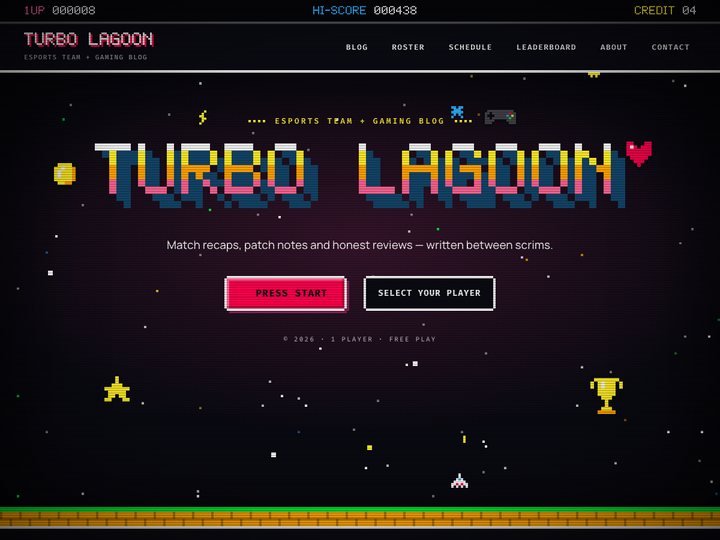
An arcade cabinet in attract mode, for gaming blogs, streamers and esports teams.
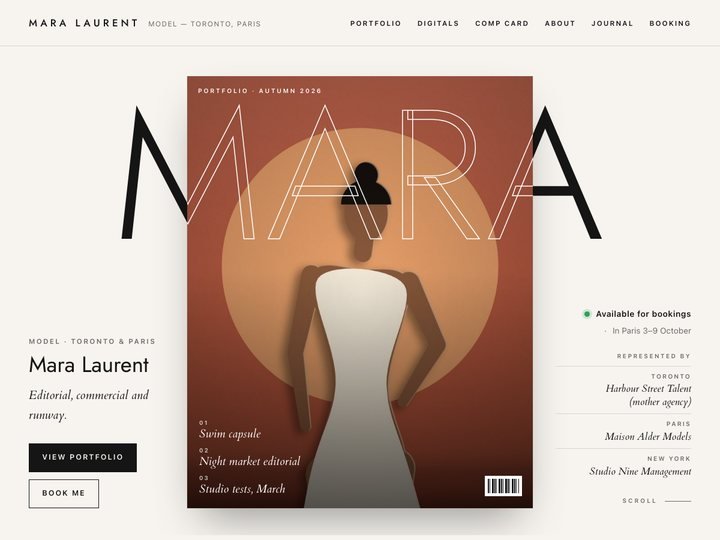
The model portfolio theme that puts you on a magazine cover — book, digitals, comp card, bookings.
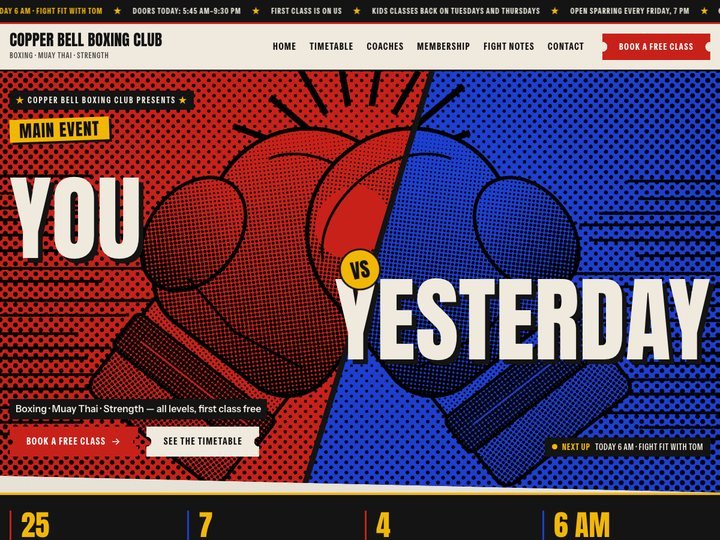
A gym theme printed like a fight bill — with a timetable that knows which class is on now.
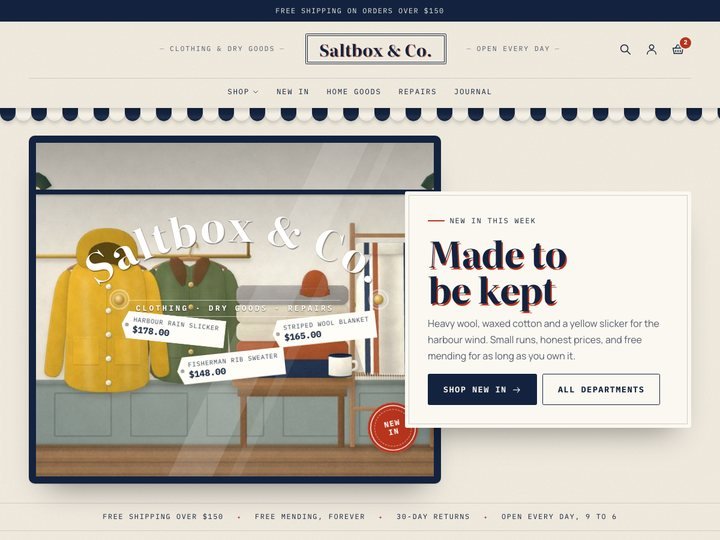
A shopfront for clothing and general stores: striped awning, sign-painted name, hang-tag prices, four looks in one click.
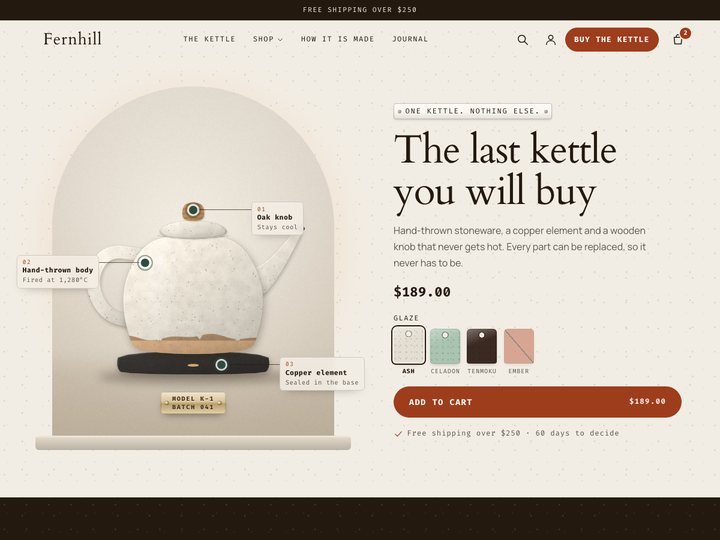
For shops built around one product: it stands in a glowing arch, callouts point at its parts, a buy bar follows.
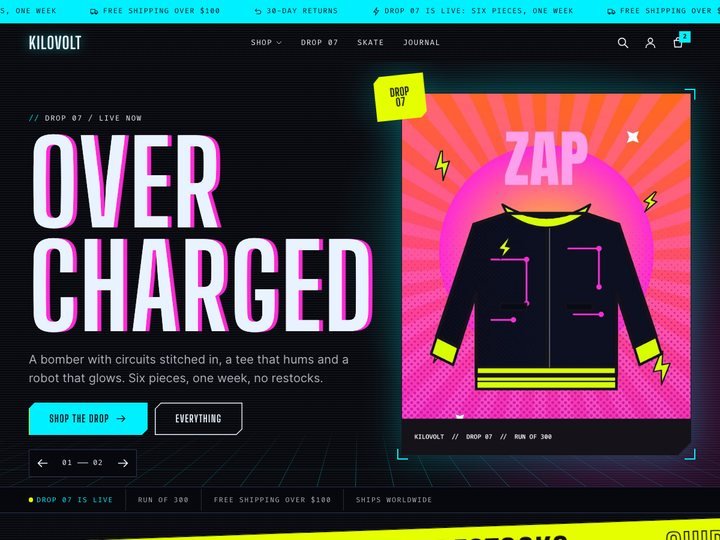
Four loud looks in one click (neon, comic, Swiss mono and print zine) for shops that sell in drops.
No theme in that category yet.
More are on the way — tell us what you need.WordPress themes are GPL v2+, Shopify themes are MIT. Either way: use it on client sites, change it, rename it, sell the site you built with it. There is no “pro” version being withheld and no licence key.
The download button is a download button. We do not ask who you are and there is nothing to unsubscribe from afterwards.
No Google Fonts, no analytics, no external requests of any kind. Everything the theme needs is inside the zip, which is also why they are small.
Every theme works with the block editor and the Customizer alone. None of them require a plugin to look like the demo.
The same deal as the themes and the tools: free, GPL, no account. First up are the small ones we keep rewriting for clients — a lightweight contact form, a table-of-contents block, and a “business hours” widget that knows whether you are open.
We put our own themes up against the best-known free ones, with every install count and rating read off the official wordpress.org and Shopify listings.
Yes. They are licensed under the GNU GPL version 2 or later, the same licence WordPress itself uses. You can use them on client sites, charge for the work, modify them, and redistribute your modified version. You do not owe us anything and you do not need to credit us.
No. There is no pro tier, no add-on and no feature that is disabled until you pay. What is described on each theme page is what is inside the zip.
They are a portfolio. We build iOS apps and web systems for clients, and a theme someone can actually install and read the source of says more than a screenshot of a project we cannot show you.
Yes, for WordPress compatibility and bugs. Because they are GPL, you are also free to fix anything yourself — and if you send the fix back we will fold it in.
In WordPress go to Appearance → Themes → Add New → Upload Theme, choose the zip, press Install Now, then Activate. Each theme page has the same steps with its own screenshots.
They work with the block editor and the Customizer, which is what they are built for. Page builders generally take over the content area and will render inside these themes, but the front-page sections described on each theme page are Customizer-driven and are the intended way to build with them.
Yes. The WordPress themes are GPL v2 or later and the Shopify themes are MIT, so personal, commercial and client use are all allowed.
No. Each theme is complete as downloaded. Nothing is locked, and there is no licence key and no email gate.
In WordPress go to Appearance, then Themes, then Add New Theme, then Upload Theme, choose the zip and click Activate.
In Shopify admin go to Online Store, then Themes, then Add theme, then Upload zip file. Preview it before you publish it.
Menu











 MMA.
MMA. Trending
 Bold
Bold Top
Top