Neonwire
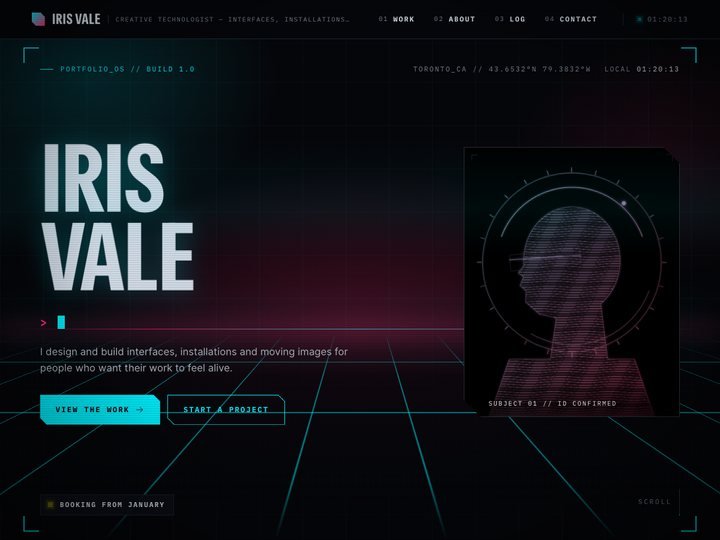
Ⓦ PortfolioA portfolio that boots up like the HUD of a machine from a better future.
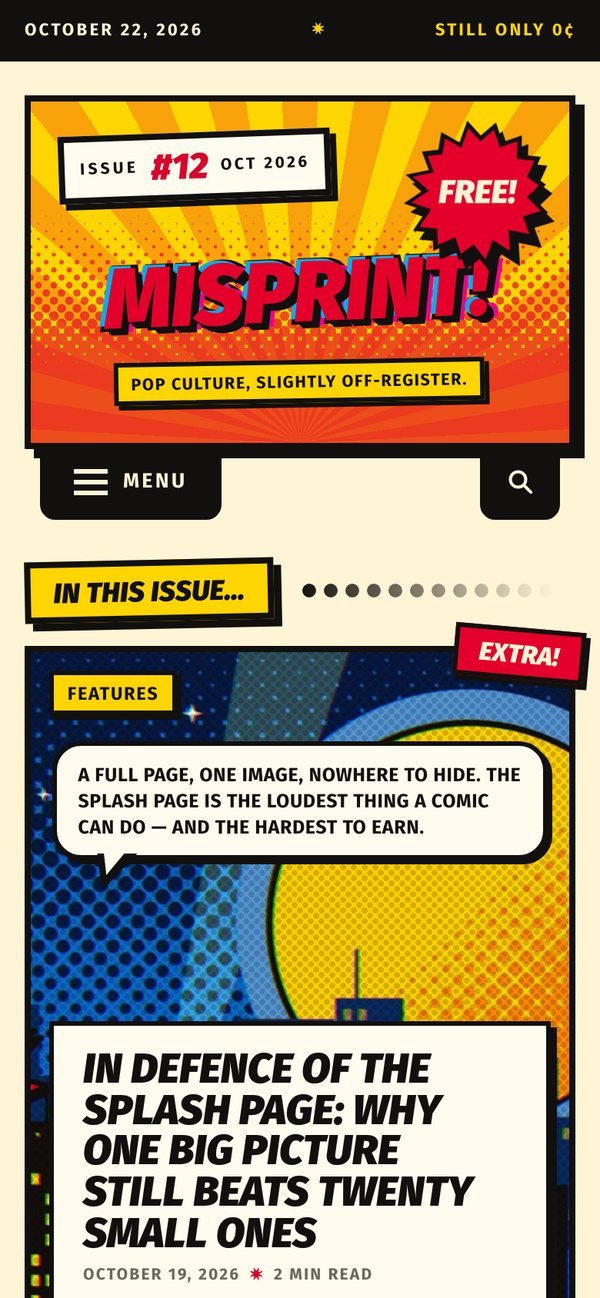
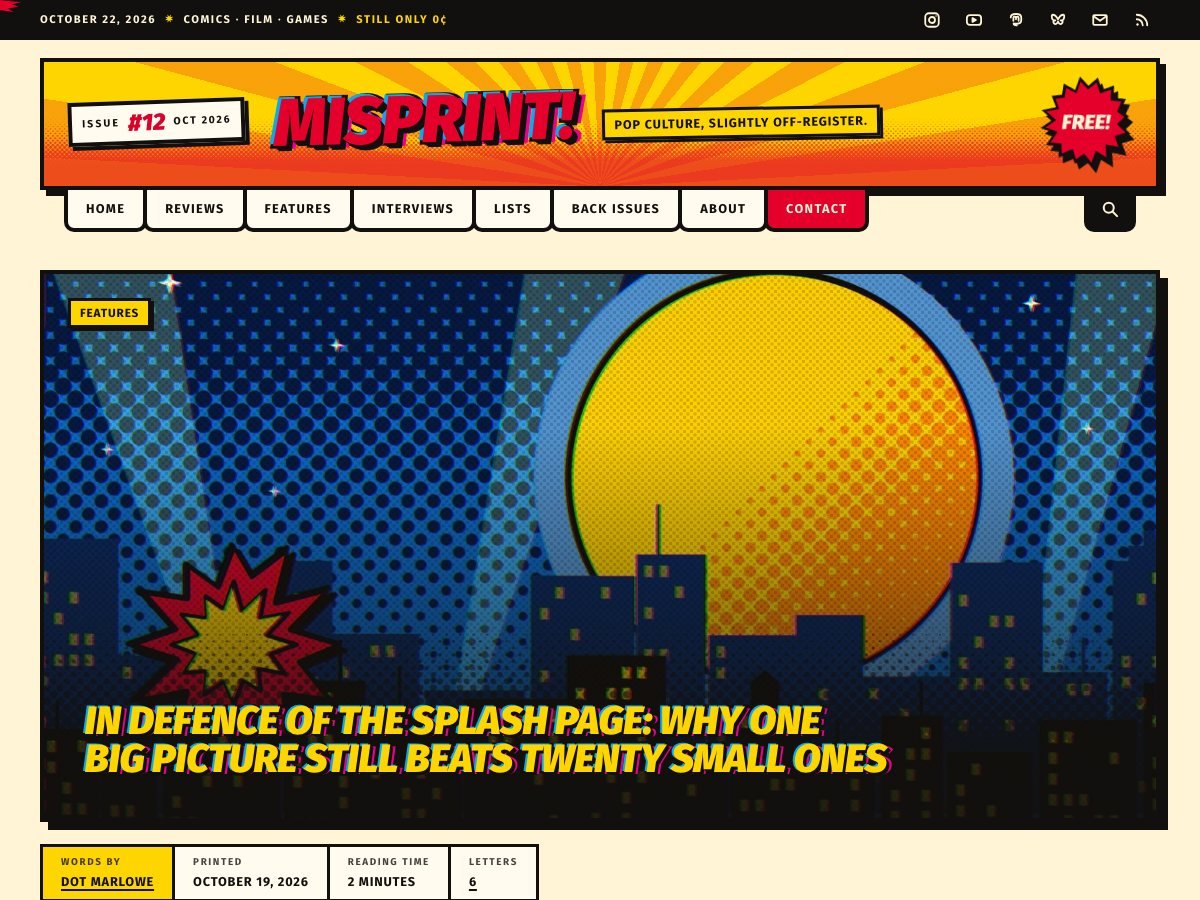
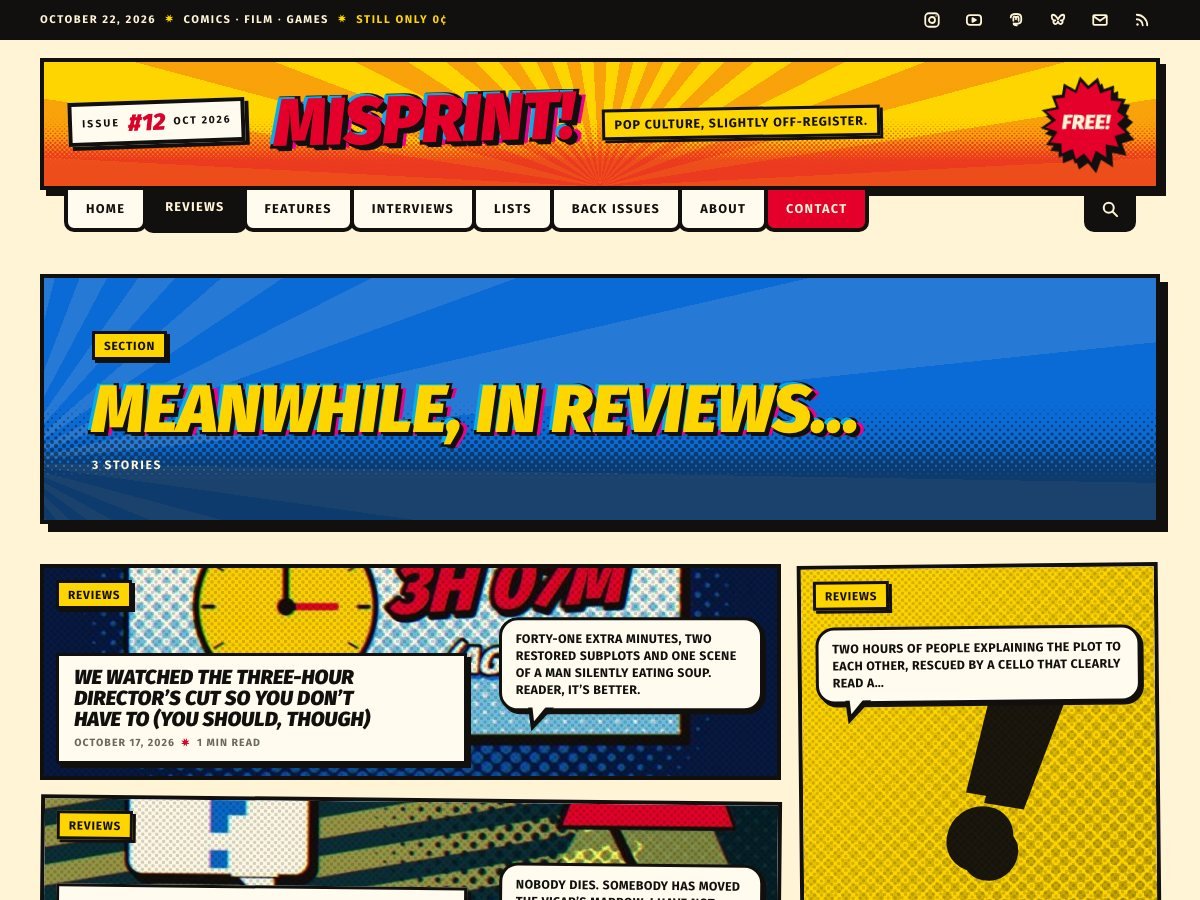
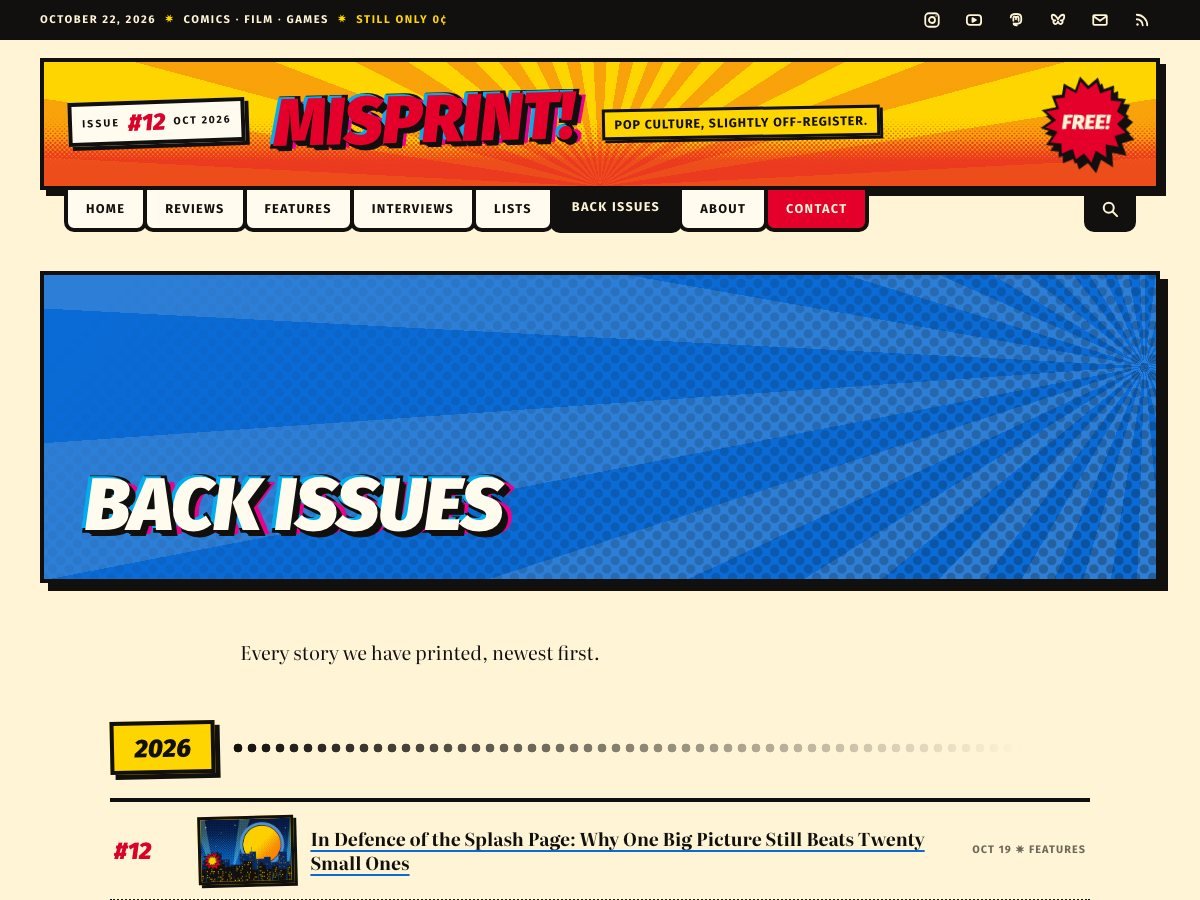
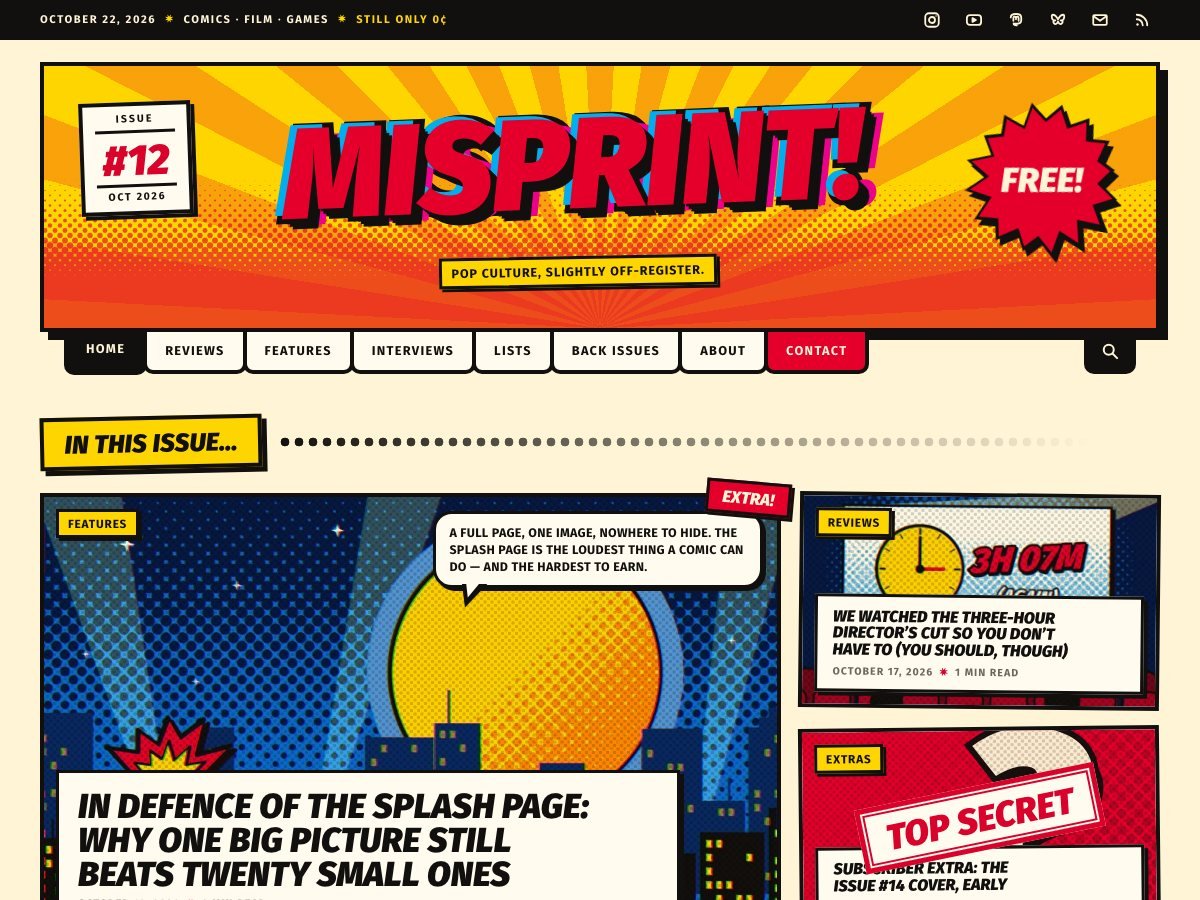
A blog that reads like a comic book — masthead, panels, halftone and all.
Real pages from the live demo, not mock-ups. Open any of them to click around.
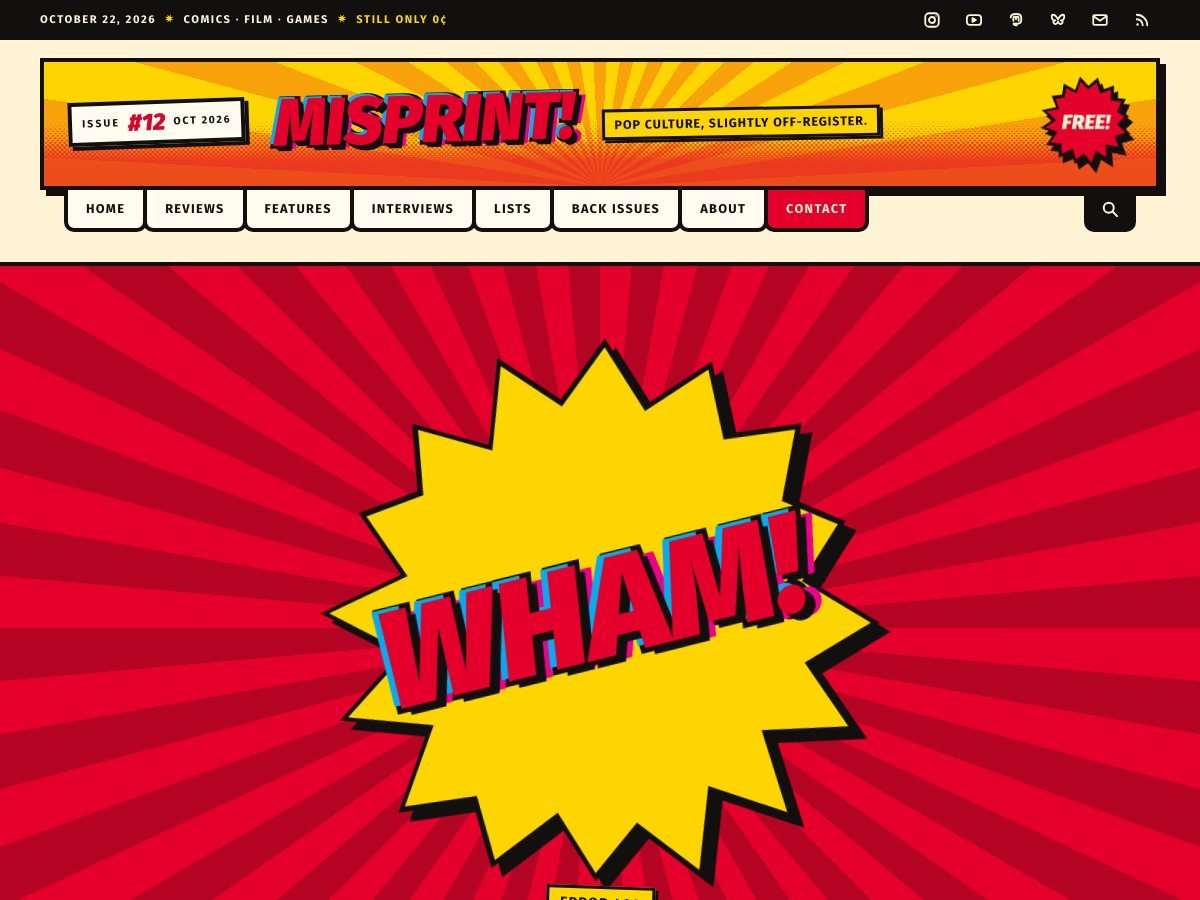
Splashpage turns a blog into a comic. The front page is a cover: a huge off-register masthead, an ISSUE box that numbers itself, a starburst and a price that is still zero. Below it your posts are panels — different sizes, tilted tags, speech-bubble excerpts — and any post can be promoted to a full-page splash. It is built for pop-culture blogs, zines, review sites and newsletters that would rather be read than skimmed, and every comic device in it can be switched off in the Customizer if you want the layout without the ink.
Installing by FTP instead? Unzip it and upload the splashpage folder into wp-content/themes/, then activate it from Appearance → Themes.
No. The panels, masthead, halftone and splash pages are all part of the theme, built from ordinary posts and categories. Nothing here depends on a page builder or a block plugin.
Yes. Halftone, ink outlines, paper grain, the off-register lettering and the tilts each have their own toggle in the Customizer. Switch them all off and you have a clean, fast magazine layout.
Tick "Splash" on the post. It then takes the full width of the front page with its featured image behind the headline. Everything else stays a normal panel.
The copyright line is yours to edit in the Customizer. The small "Splashpage theme by The Big Head" credit is part of the theme. It is GPL, so you may modify the code, but there is no setting that hides it.
Body text sits on a comfortable measure in a plain, highly legible face — the comic lettering is used for headlines and labels only. Every colour preset is checked for at least 4.5:1 contrast on body copy, and reduced-motion switches off every animation.
WordPress themes are GPL v2+, Shopify themes are MIT. Either way: use it on client sites, change it, rename it, sell the site you built with it. There is no “pro” version being withheld and no licence key.
The download button is a download button. We do not ask who you are and there is nothing to unsubscribe from afterwards.
No Google Fonts, no analytics, no external requests of any kind. Everything the theme needs is inside the zip, which is also why they are small.
Every theme works with the block editor and the Customizer alone. None of them require a plugin to look like the demo.
A portfolio that boots up like the HUD of a machine from a better future.
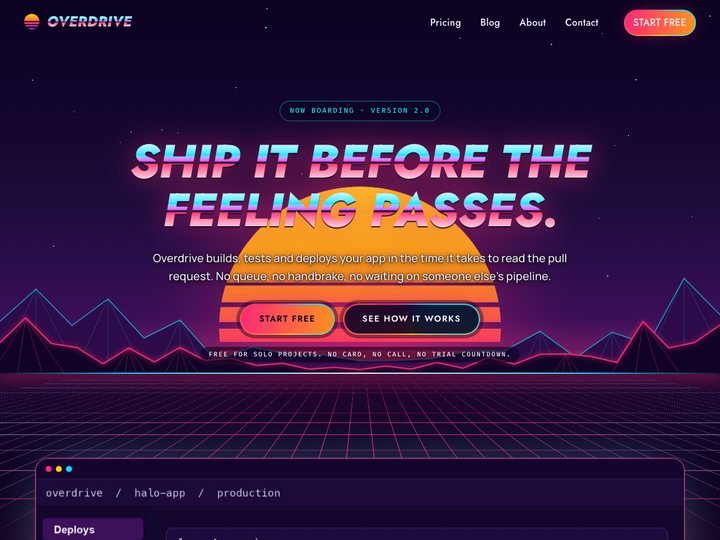
1986's idea of the future, selling today's product.
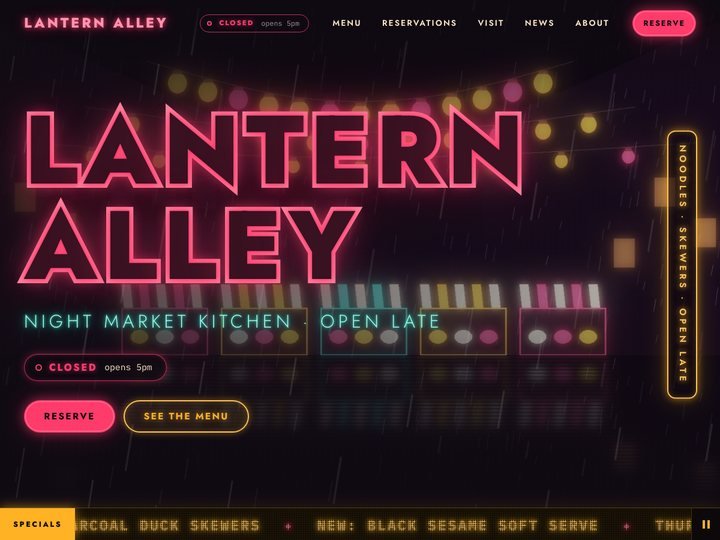
A restaurant theme lit like a night market — neon sign, live Open-now badge, glowing menu board.
Menu











 MMA.
MMA. Trending
 Bold
Bold Top
Top