Splashpage
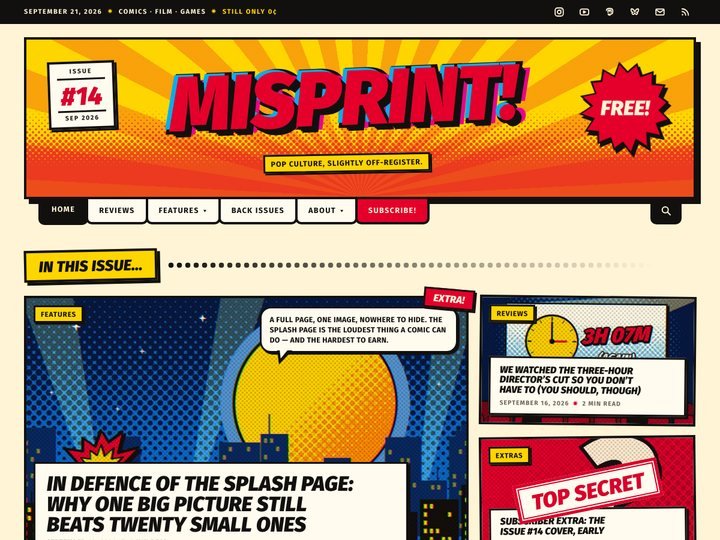
Ⓦ Blog & MagazineA blog that reads like a comic book — masthead, panels, halftone and all.
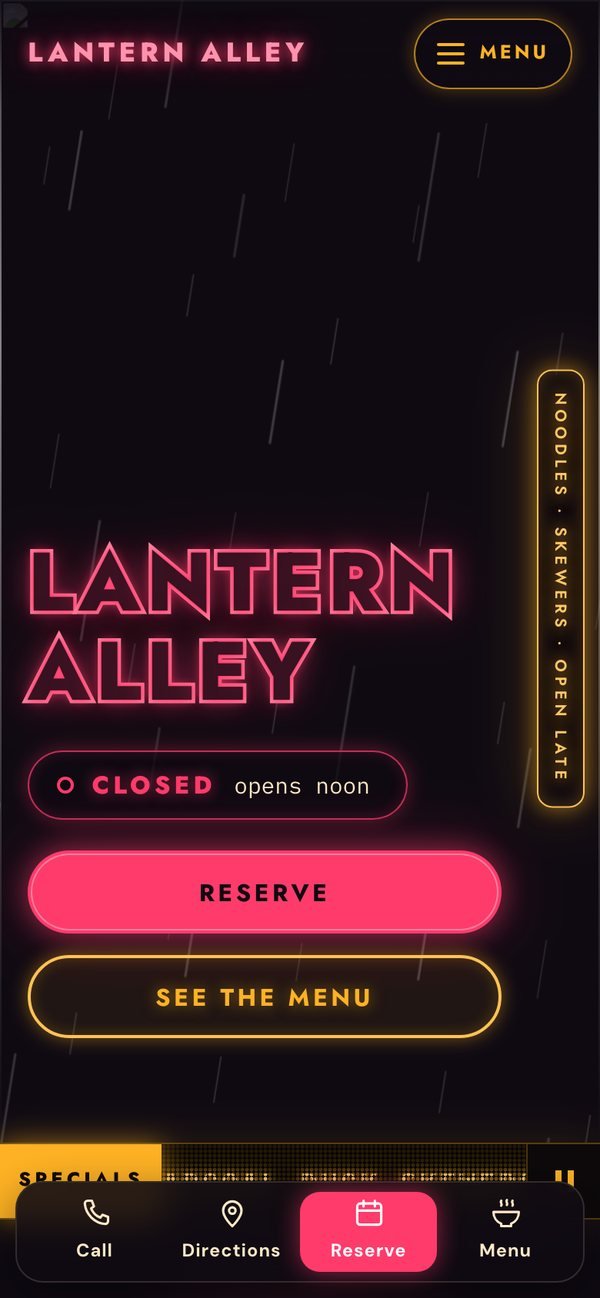
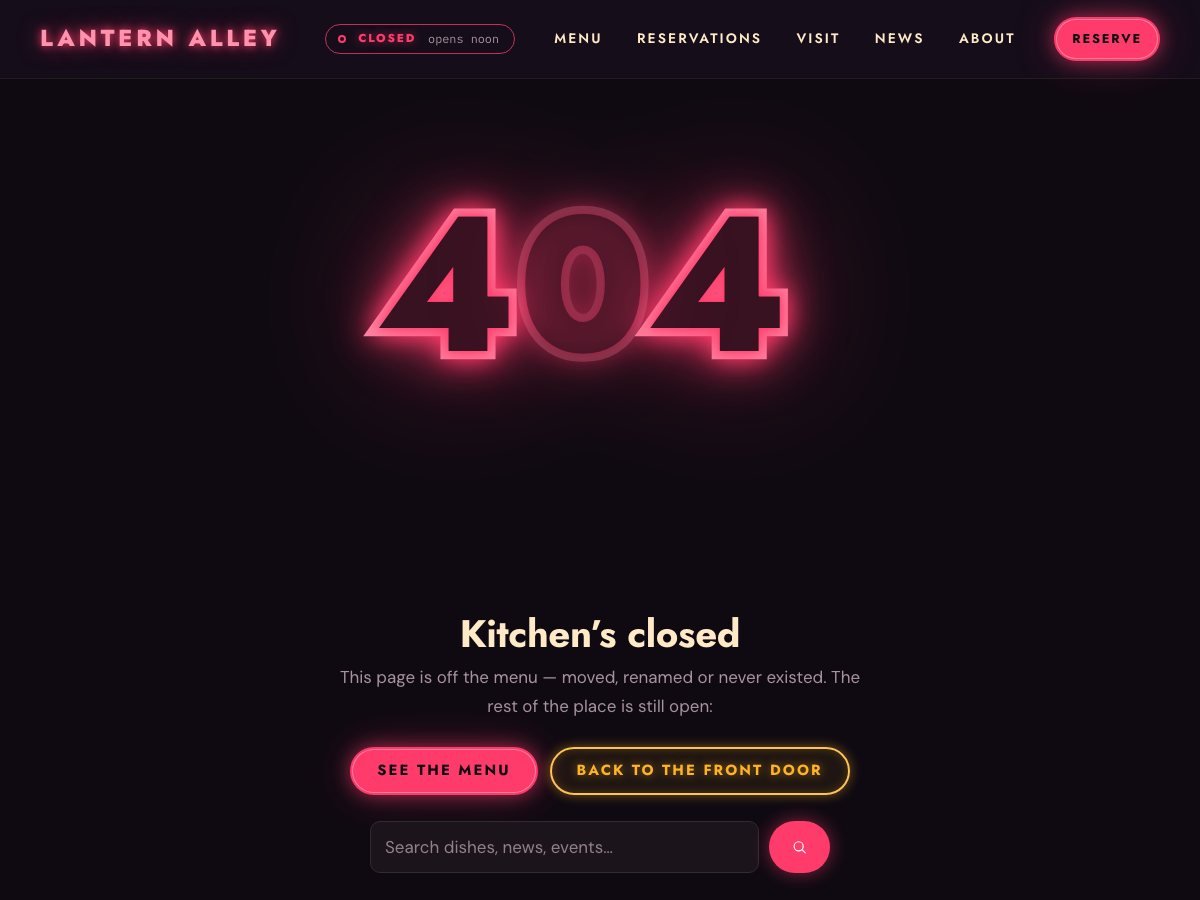
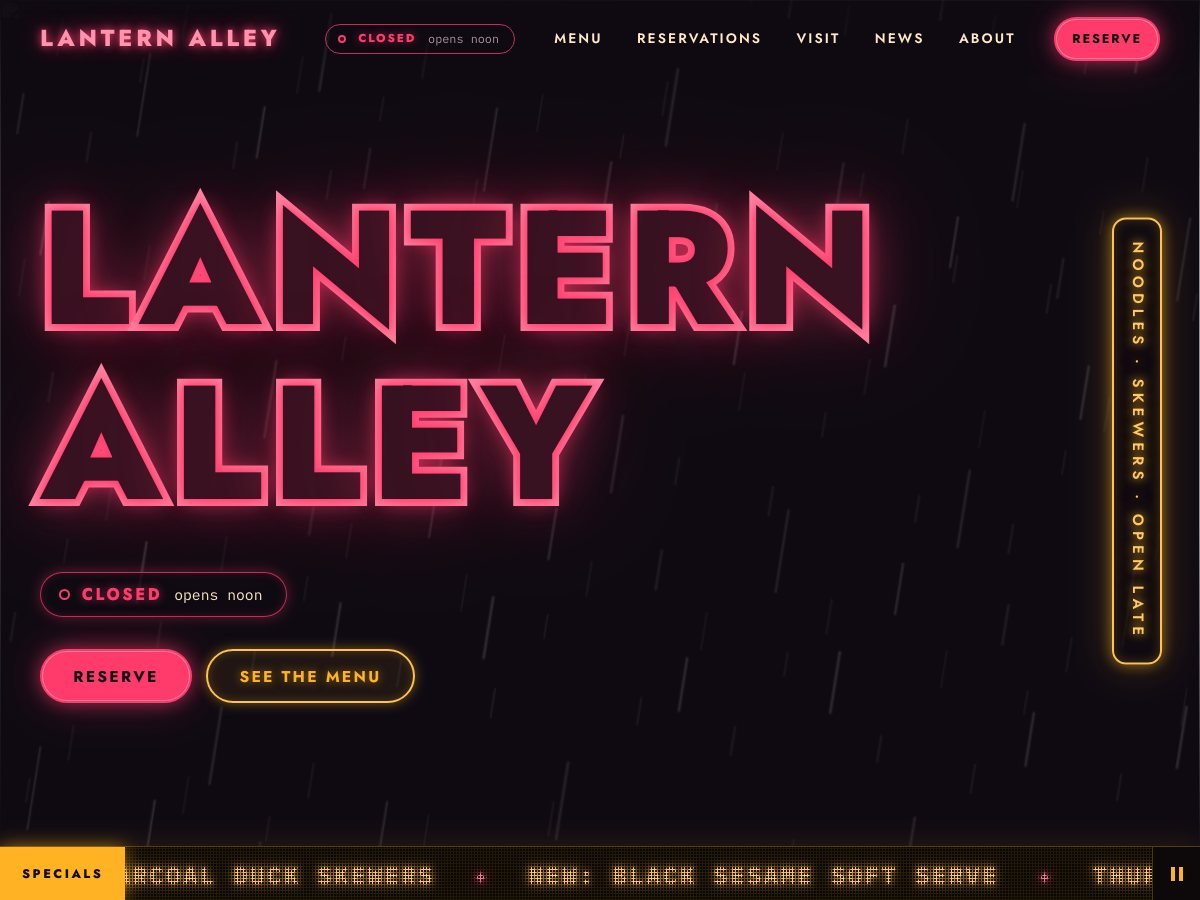
A restaurant theme lit like a night market — neon sign, live Open-now badge, glowing menu board.
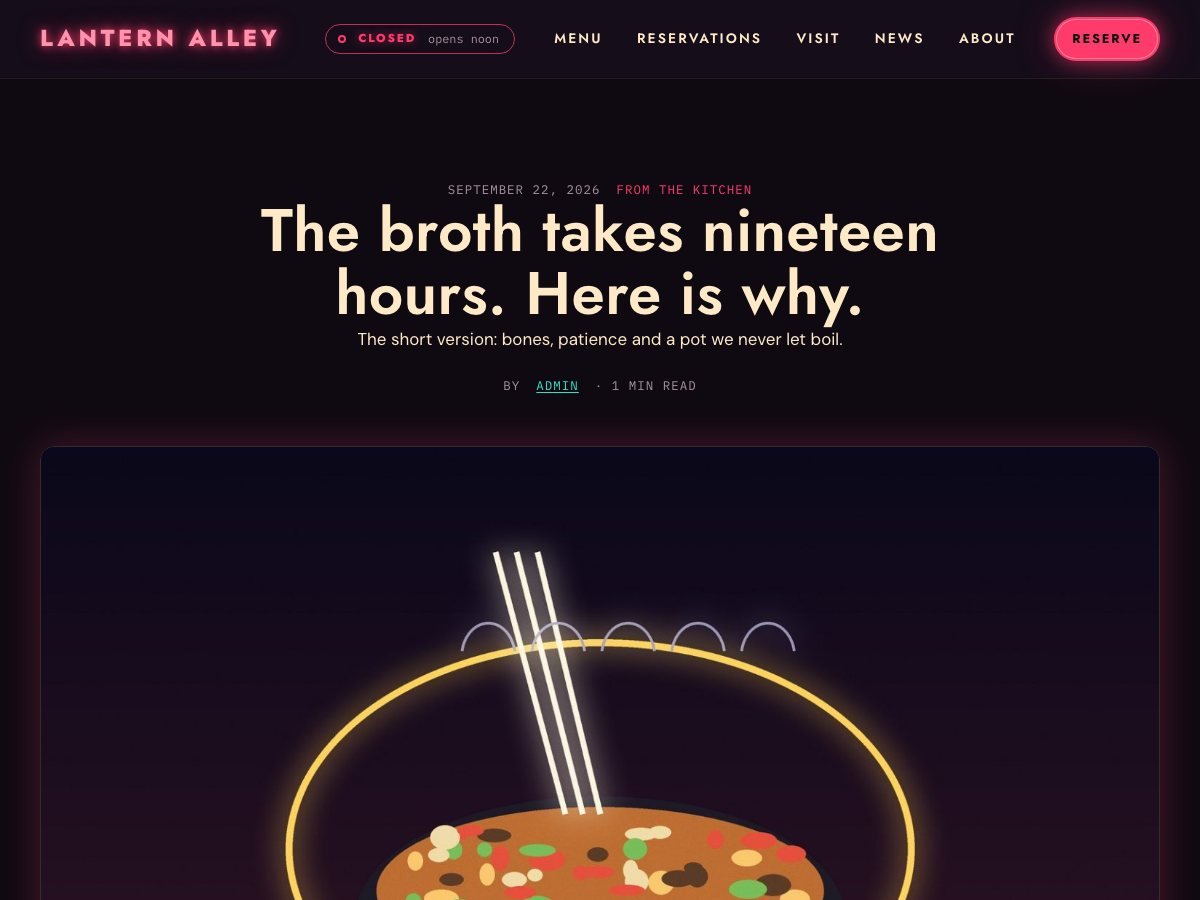
Real pages from the live demo, not mock-ups. Open any of them to click around.
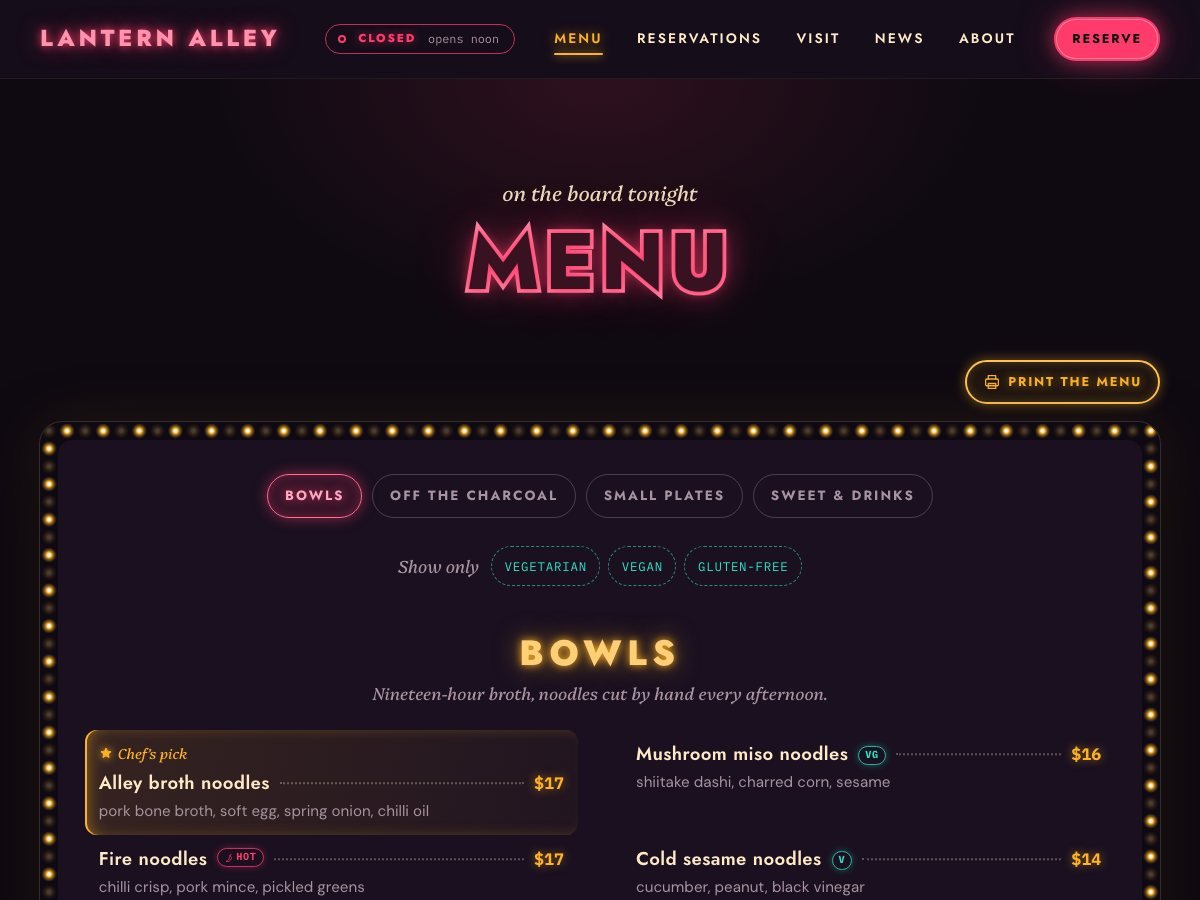
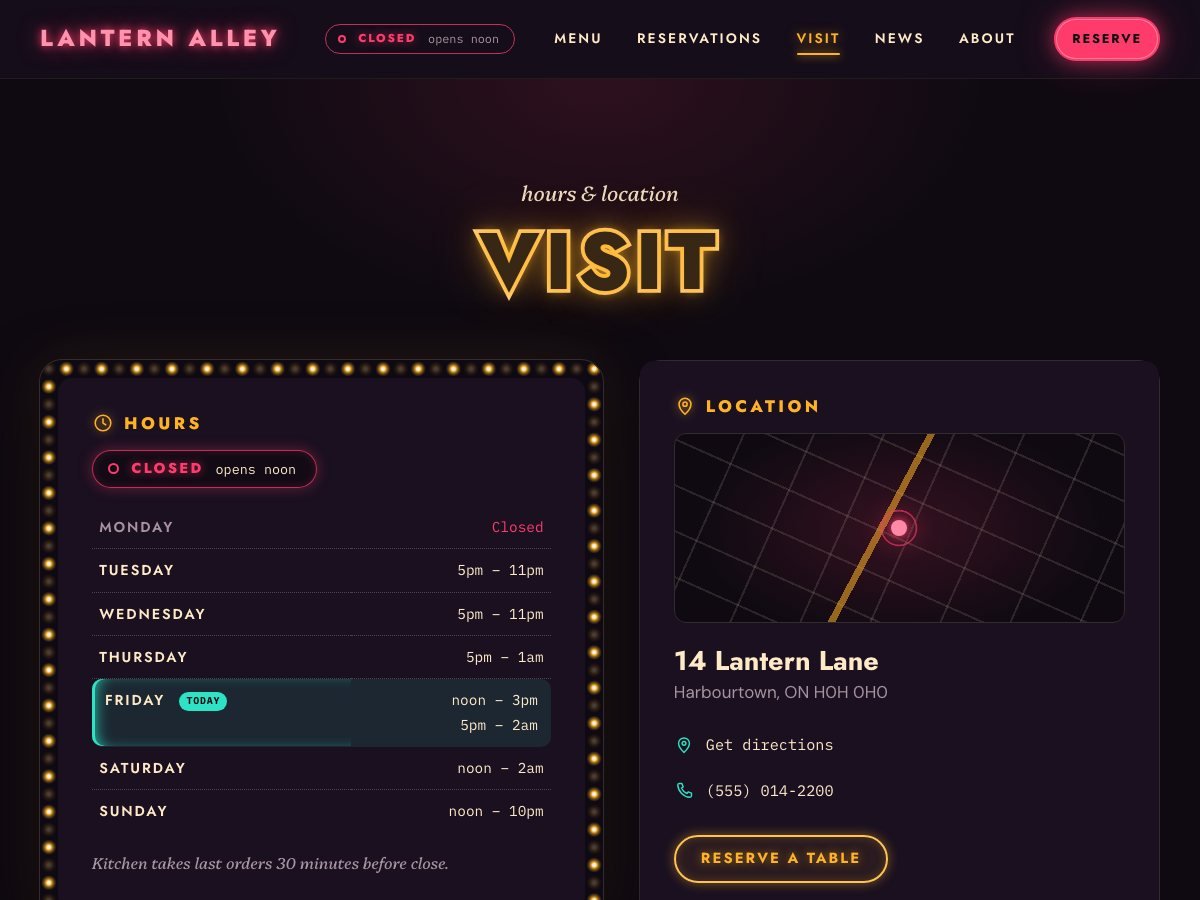
Nightmarket gives a restaurant, bar, café or food truck the look of a rain-wet alley of glowing signs, and every working part a restaurant site needs. The menu is an illuminated board built from one textarea per section, with tabs, dotted leaders, diet pills and filters, and it prints as a clean paper menu. A live OPEN NOW / CLOSED sign reads your opening hours in your own timezone and keeps itself right even on a cached page. Reservations, events, a specials ticker, a gallery and a quick-action bar for phones are all built in.
Installing by FTP instead? Unzip it and upload the nightmarket folder into wp-content/themes/, then activate it from Appearance → Themes.
Each menu section is a title and one textarea: one dish per line as Dish | description | price | tags. Tags like v, vg, gf, hot, new and pick become the diet pills and filters. No custom post type, so the menu is plain text you can paste anywhere.
Yes. Enter your hours for each day (split shifts and past-midnight closing both work). The sign is worked out on the server and then kept current in the visitor’s browser using your restaurant’s timezone, so it is right even on a cached page.
Yes. Paste its link in the Customizer and every Reserve button goes there. Leave it empty and the built-in reservation form emails requests to you.
The copyright line is yours to edit in the Customizer. The small “Nightmarket theme by The Big Head” credit is part of the theme. It is GPL, so you may modify the code, but there is no setting that hides it.
Body text is set on the dark panel at a comfortable size and checked for contrast on every preset. The glow, flicker and ticker each have a switch, and all of them stop under “reduce motion”.
WordPress themes are GPL v2+, Shopify themes are MIT. Either way: use it on client sites, change it, rename it, sell the site you built with it. There is no “pro” version being withheld and no licence key.
The download button is a download button. We do not ask who you are and there is nothing to unsubscribe from afterwards.
No Google Fonts, no analytics, no external requests of any kind. Everything the theme needs is inside the zip, which is also why they are small.
Every theme works with the block editor and the Customizer alone. None of them require a plugin to look like the demo.
A blog that reads like a comic book — masthead, panels, halftone and all.
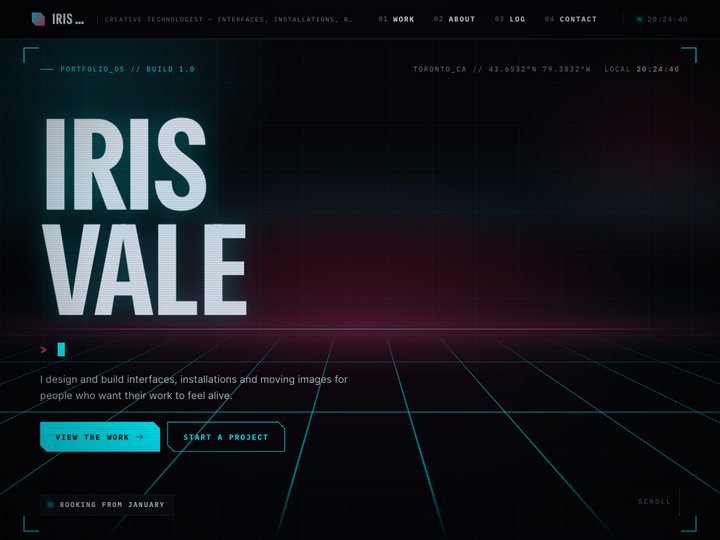
A portfolio that boots up like the HUD of a machine from a better future.
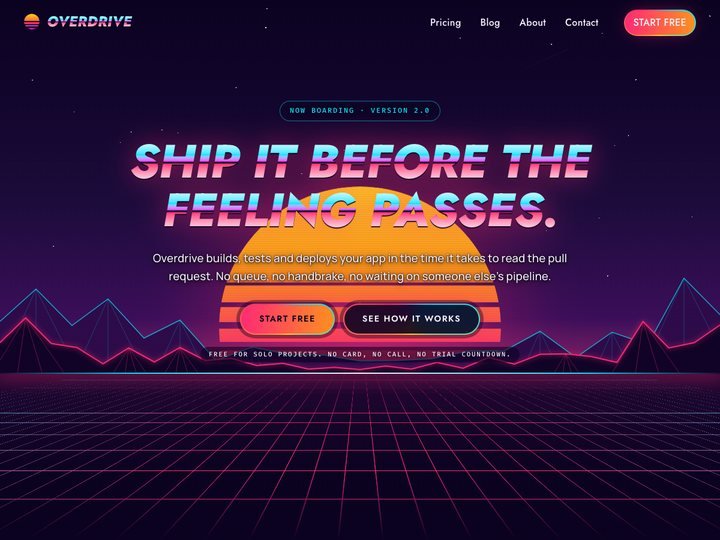
1986's idea of the future, selling today's product.
Menu
Our iPhone apps 10 live
Our websites
Free stuff
Popular tools
Made in Edmonton, Alberta · info@thebighead.ca








 MMA.socialUFC fan ratings
 TrendingPunjabiPunjabi music charts
 BoldOpinionAnonymous hot takes
 brolic.ioGym leaderboards