Disclosure: Clinch is ours. The advice works with any app, or with pen and paper.
In short
Most sales close because the customer trusts you and the timing is right — not because of a clever line. Understand what they need, answer the real objection, ask for the decision plainly, and if it’s not today, set the next call.
- Ask why they came in today.
- Answer the real objection, not the first one.
- Ask plainly — then stop talking.
7 steps
- Ask why now. “What made today the day?” tells you the real need.
- Listen more than you talk.
- Match, don’t pitch. Show the one or two options that fit.
- Find the real objection. “Besides the price, is there anything else?”
- Answer it with facts. A payment option, a warranty, a trade-in value.
- Ask for the decision. “Shall we go ahead with the grey one?” Then be quiet.
- Not today? Set the next date. A “no for now” with a follow-up is still a live lead.
After the close
Say thank you, deliver what you promised, and check in a month later. Happy customers send their friends — and friends close faster.
How to do it with Clinch
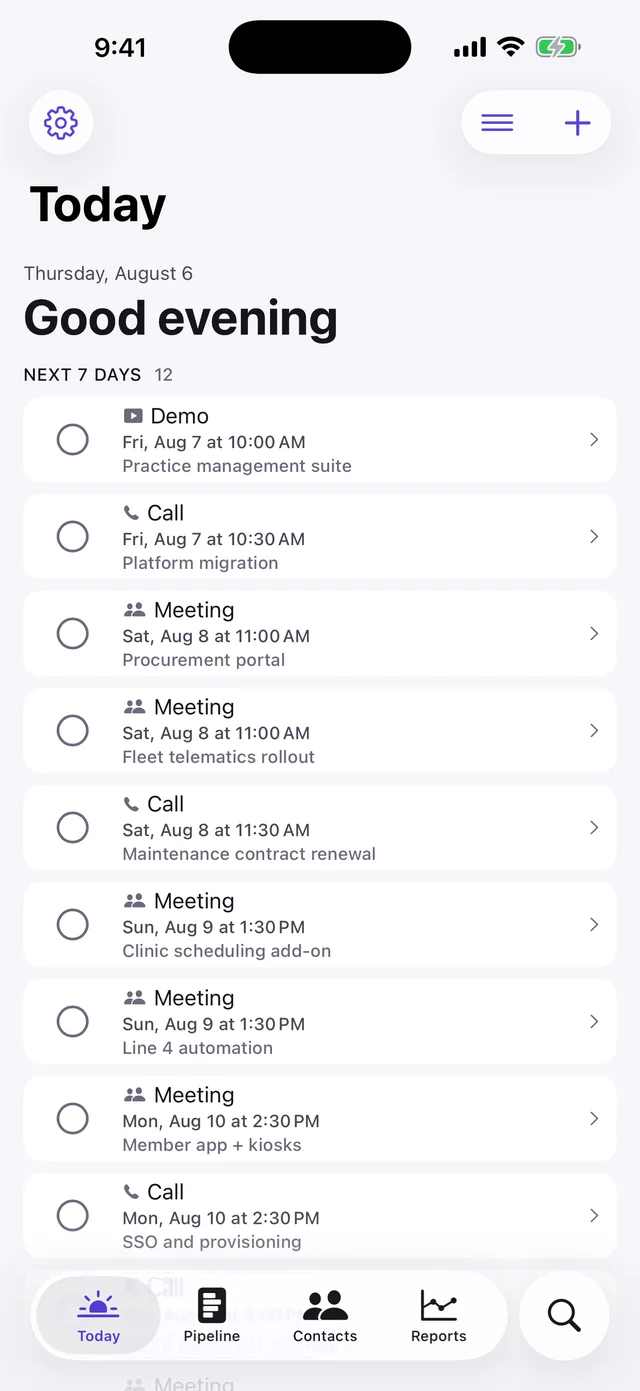
- Know what you’ll earn. Every lead shows the total and your commission before the sale.
- Tap Sold when it closes. A Sold stamp, what you earned, and a check-in call set for a month later.
- Not today? Pick why and when to try again — 1, 3 or 6 months — and Clinch reminds you on the day.
- Reach them in one tap. Call, WhatsApp or message with ready-made messages that fill in their name.
Clinch is free, with no account, no ads and no AI.
Common questions
What is the best way to close a sale?
Understand the real need, answer the real objection, ask for the decision plainly and stop talking.
How do I close without being pushy?
Ask questions, match the product to the need, and let a “not yet” become a follow-up date.
What if the customer says they need to think?
Ask what they’re unsure about, answer it, and agree a day to talk again.
How do I keep track of leads who didn’t buy?
Clinch brings them back after 1, 3 or 6 months.
Published · No affiliate links










 MMA.socialUFC fan ratings
 TrendingPunjabiPunjabi music charts
 BoldOpinionAnonymous hot takes
 TopRankedAppsApp rankings