Disclosure: Clinch is ours. The advice works with any app, or with pen and paper.
In short
A good quote lists each item and price, the total, how long it’s valid and your contact details, on one clean page. Send it the way the customer talks to you — often WhatsApp — with a short personal line, and agree when you’ll follow up. Clinch makes the PDF from the lead in one tap.
- Items, total, validity date, your details.
- Send it where they already talk to you.
- End with the follow-up date.
What to put in a quote
- Their name and the date.
- Each item with its price — the car, the warranty, the accessories.
- The total.
- How long the price holds.
- Your name, business, number and logo.
A message that gets a reply
“Hi Rajesh — here’s the quote for the Swift VXi with the extended warranty. The price holds until Saturday. Any questions, just reply here. I’ll call you Thursday to see what you think.”
Short, personal, one next step. No “As per our discussion”.
When to follow up
Two or three days later, with something useful: an answer, a colour in stock, a price you can hold. Then about a week later, and after that ask plainly whether to keep it open.
How to do it with Clinch
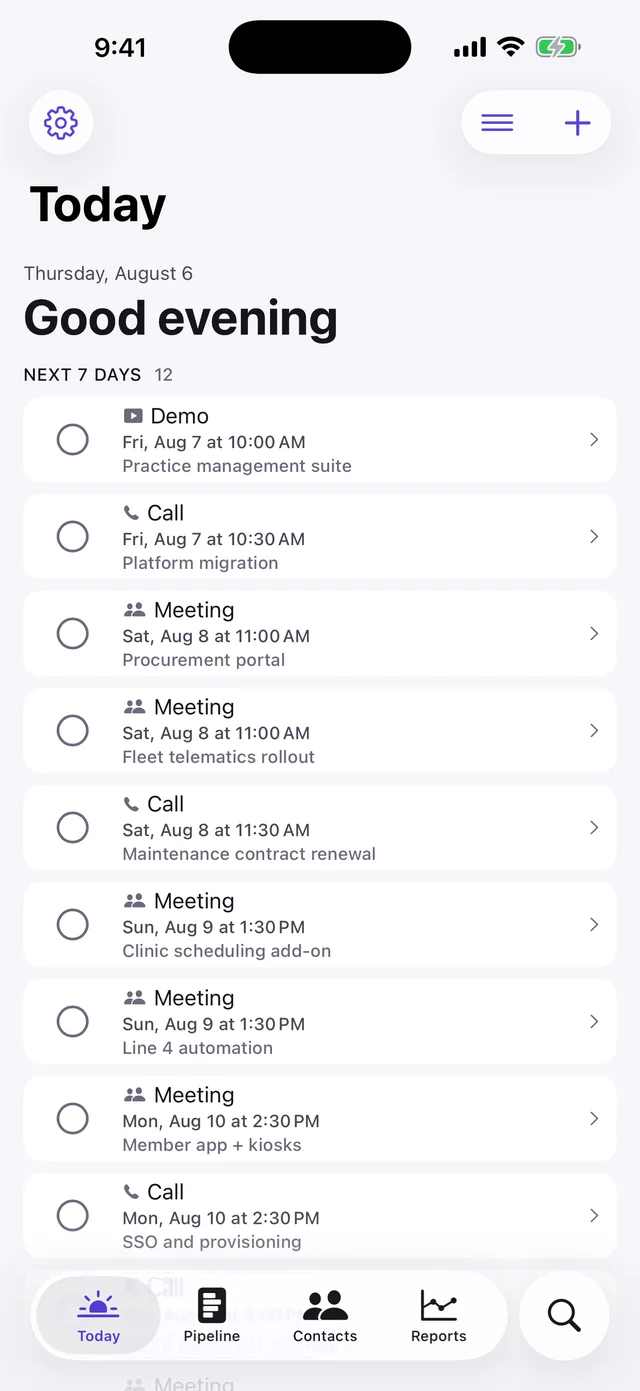
- Add the lead with its items. Tap your saved items — prices add up to a total by themselves.
- Send the quote as a PDF. One tap: items, total and your logo on a clean page, by WhatsApp or email.
- Set the follow-up. Today, tomorrow, in 3 days or next week — Clinch reminds you.
- Sold? It prints as a receipt. Sold leads become a clean receipt PDF too.
Add your business name, number and logo once in Settings › My business. Clinch is free, with no account, no ads and no AI.
Common questions
How do I send a quote to a client?
Make a one-page PDF with items, total and validity, send it by WhatsApp or email with a short message, and agree a follow-up date.
What should a quote email say?
Their name, what’s attached, how long the price holds, and when you’ll follow up.
How long should a quote be valid?
Long enough to decide, short enough to prompt a decision — often a week.
Can I send quotes from my phone?
Yes — Clinch makes a PDF quote with your logo from any lead.
Published · No affiliate links










 MMA.socialUFC fan ratings
 Trending
 Bold
Bold Top
Top