Disclosure: SmartFolio is ours. The advice works with any app, or with pen and paper.
In short
List every exchange and wallet you use, export each exchange’s transaction history, and bring it all into one tracker in one currency. Record transfers between your own wallets as transfers, not sales, and keep the fees — then you can see your real return and how much of your money is in crypto.
- One list of every exchange and wallet.
- Transfers aren’t buys or sells — record them as moves.
- See crypto next to your stocks, not in its own bubble.
Why crypto is hard to track
Coins move between exchanges and wallets, trades happen in pairs, fees are taken in different coins, and prices run all weekend. An exchange app only shows what’s on that exchange, so it can’t tell you your whole position or your return.
Step 1: list where your crypto is
Write down every exchange account and every wallet, including old ones you no longer use. Forgotten coins and missing history are the most common reason a tracker shows the wrong number.
Step 2: export your history
Most exchanges let you download a transaction history file (usually CSV) from their account or reports settings. Download the full history, not just this year. For a self-custody wallet, note the date, amount and price of each purchase.
Step 3: record transfers and fees properly
Moving a coin from an exchange to your own wallet isn’t a sale. If a tracker sees it as one, your gains and holdings go wrong. Record it as a transfer, and record network and trading fees, because they reduce what you actually own.
Step 4: one currency, one place
Pick the currency you think in — Canadian dollars, say — and see everything in it. Then look at crypto as a share of all your investments. Seeing that crypto is, say, 5% or 40% of your money is more useful than its price today. Keep your full history either way; it’s what an accountant will ask for. Not financial or tax advice.
Spreadsheet or app?
A spreadsheet works for a few coins on one exchange, but live prices, many transactions and transfers quickly get messy. An app that imports your files and fetches prices saves the upkeep. Our roundup of portfolio tracker apps compares several.
Track crypto and stocks together in SmartFolio
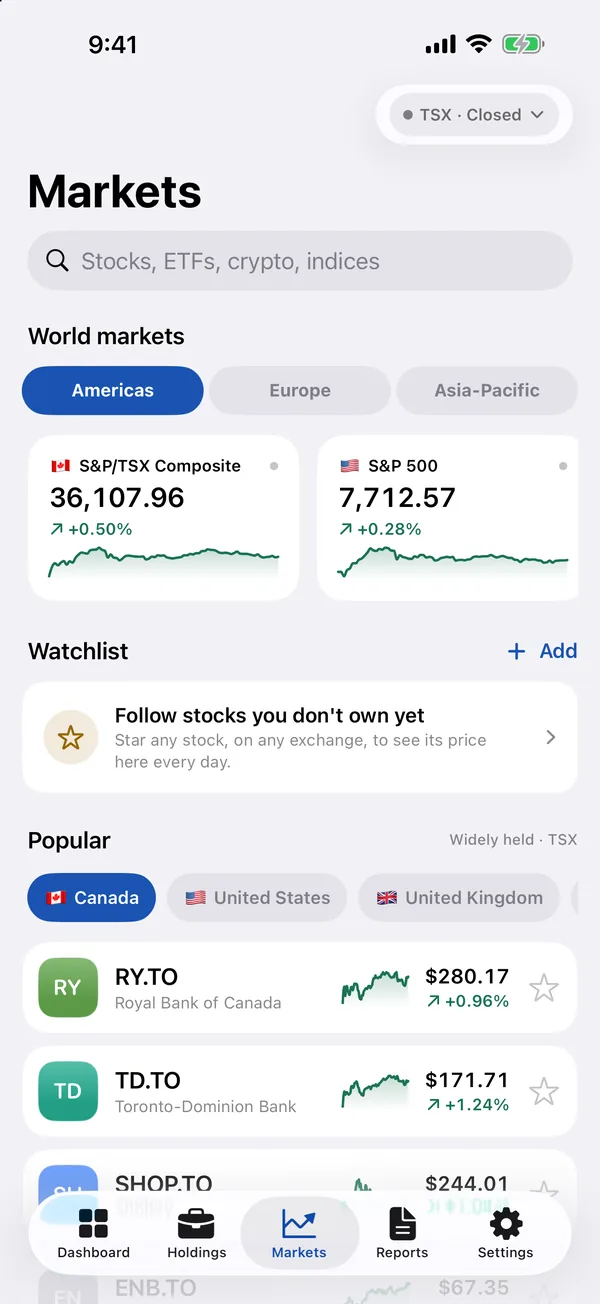
- Import from Coinbase or any CSV. Guides for 19 brokers including Coinbase; other exchanges’ export files can come in as CSV or Excel, checked on a review screen before anything is saved.
- Add wallet coins by hand. Search crypto pairs the same way you search stocks, and enter the buy.
- See crypto next to everything else. Allocation by asset class shows how much of your money is in crypto, in any of 28 display currencies.
- Check the real return. Time-weighted returns leave out the money you add, so a deposit never looks like a gain.
SmartFolio doesn’t connect to exchanges or read wallet addresses, and it doesn’t give financial or tax advice. Free, no account, no ads.
Common questions
What is the best way to track a crypto portfolio?
Export the history from every exchange, add wallet purchases, record transfers as transfers, and keep everything in one tracker in one currency.
Can I track crypto and stocks in the same app?
Yes. SmartFolio tracks stocks, ETFs, funds and crypto together, with allocation by asset class.
Can I track my crypto in Excel?
Yes for a few coins, but live prices, fees and transfers make spreadsheets hard to keep up to date.
Does SmartFolio connect to my exchange or wallet?
No. You import your exchange’s export file or add trades by hand; nothing logs in to your accounts.
Published · No affiliate links











 MMA.
MMA. Trending
 Bold
Bold Top
Top