Disclosure: Gathr is ours. The advice works with any app, or with pen and paper.
In short
Set your number first, split everyone into must-invite and nice-to-invite, agree the plus-one rule, and keep one list with RSVPs, dietary needs and which events each guest is invited to. Gathr keeps all of that on your phone and lets guests answer from a link.
- Number first, names second.
- One list, many events: mehendi, sangeet, ceremony, reception.
- RSVPs should update the list by themselves.
1. Set your number before any names
Venue capacity and budget decide the number, not the family group chat. Divide your budget by the cost per guest to see how many you can really host.
2. Brain-dump everyone
Each side writes every name they can think of — parents too. Don’t cut yet. It’s easier to cut from a full list than to argue about who was forgotten.
3. Split into an A-list and a B-list
A-list: people you’d be sad not to see. B-list: people you’d love to invite if there’s room. As A-list “no”s come in, send B-list invitations.
4. Agree the plus-one and kids rules
Decide once and apply it to everyone: plus-ones for married and long-term couples only, kids for family only — whatever suits you. Rules settle arguments before they start.
5. One list for every event
Multi-day weddings need to know who is invited to what. A cousin might come to the sangeet but not the reception. Track it per guest, not in five separate spreadsheets.
6. Track the replies
Record yes, no and maybe, dietary needs and plus-ones as they come in. Send one reminder to the quiet ones two weeks before the RSVP date.
How to do it with Gathr
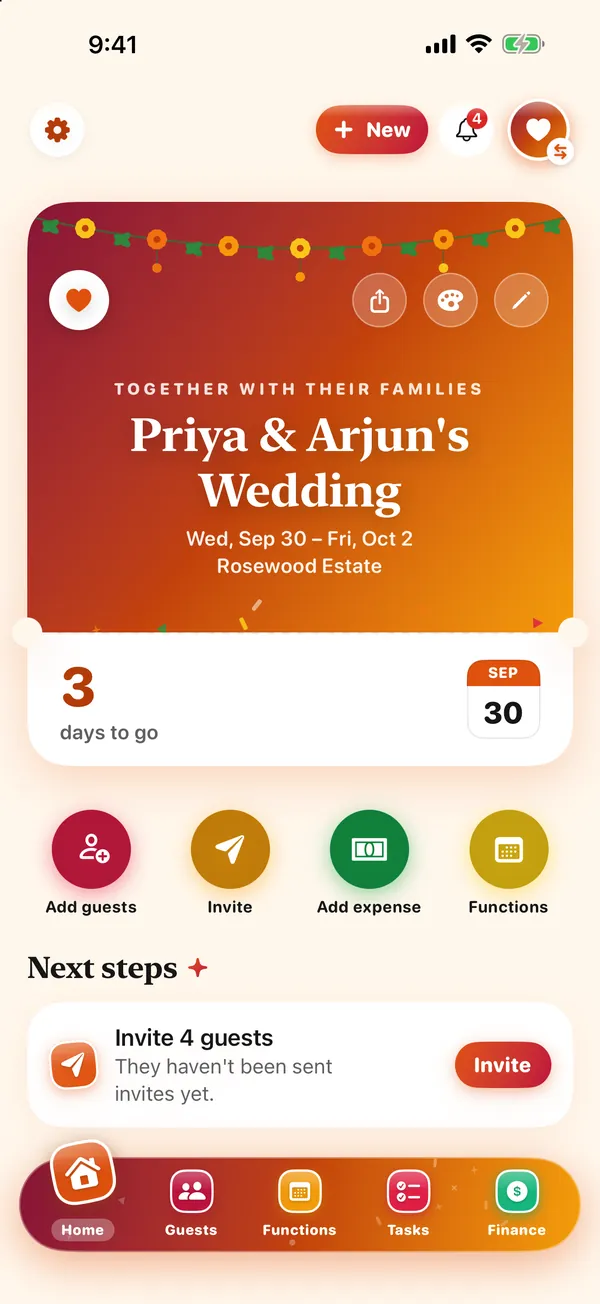
- Add guests fast. Type names, pick from contacts or paste a whole list from a note or chat — Gathr flags anyone already on it.
- Give each function its own list. Mehendi, sangeet, ceremony, reception — each with its own time, place, dress code and guest list.
- Send invitations with links. By text, WhatsApp or email. Guests RSVP from their link in any browser — no app needed.
- Watch the replies. See who’s going, who’s a maybe and who hasn’t answered, remind the quiet ones in two taps, and share the list with the caterer.
Plus-ones, dietary needs and VIP or vendor labels live on each guest, and a guest limit can hold a waitlist. Plan it with a co-host. Gathr is free, with no ads and no charges to you or your guests.
Common questions
How do I start a wedding guest list?
Set the number from your venue and budget, then list everyone and split them into an A-list and a B-list.
How do I manage guests for several wedding events?
Keep one list and mark which functions each guest is invited to. Gathr gives every function its own guest list.
How do I send RSVPs?
Send each guest a link by text, WhatsApp or email; Gathr guests RSVP from any browser, without the app.
Is Gathr free?
Yes — free, with no subscription, no ads and no charges to you or your guests.
Published · No affiliate links










 MMA.socialUFC fan ratings
 TrendingPunjabiPunjabi music charts
 BoldOpinionAnonymous hot takes
 TopRankedAppsApp rankings