Inkwell
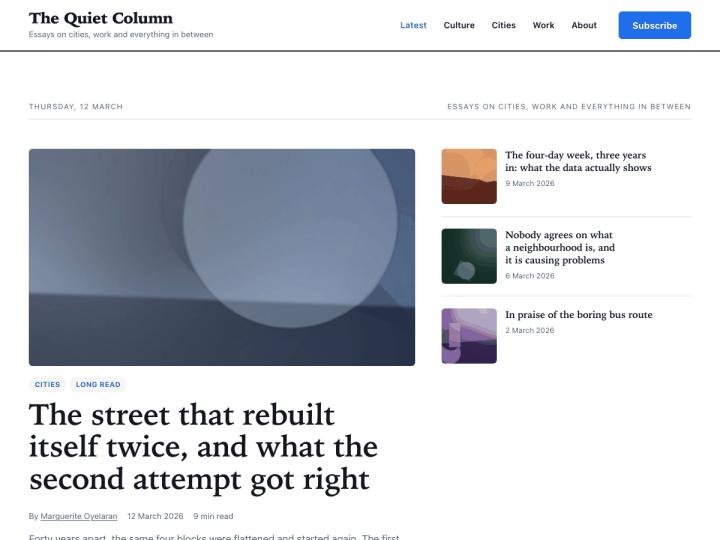
Ⓦ Blog & MagazineA clean, fast magazine theme for people who actually write.
A portfolio that opens at full volume. Enormous type, full-bleed work.
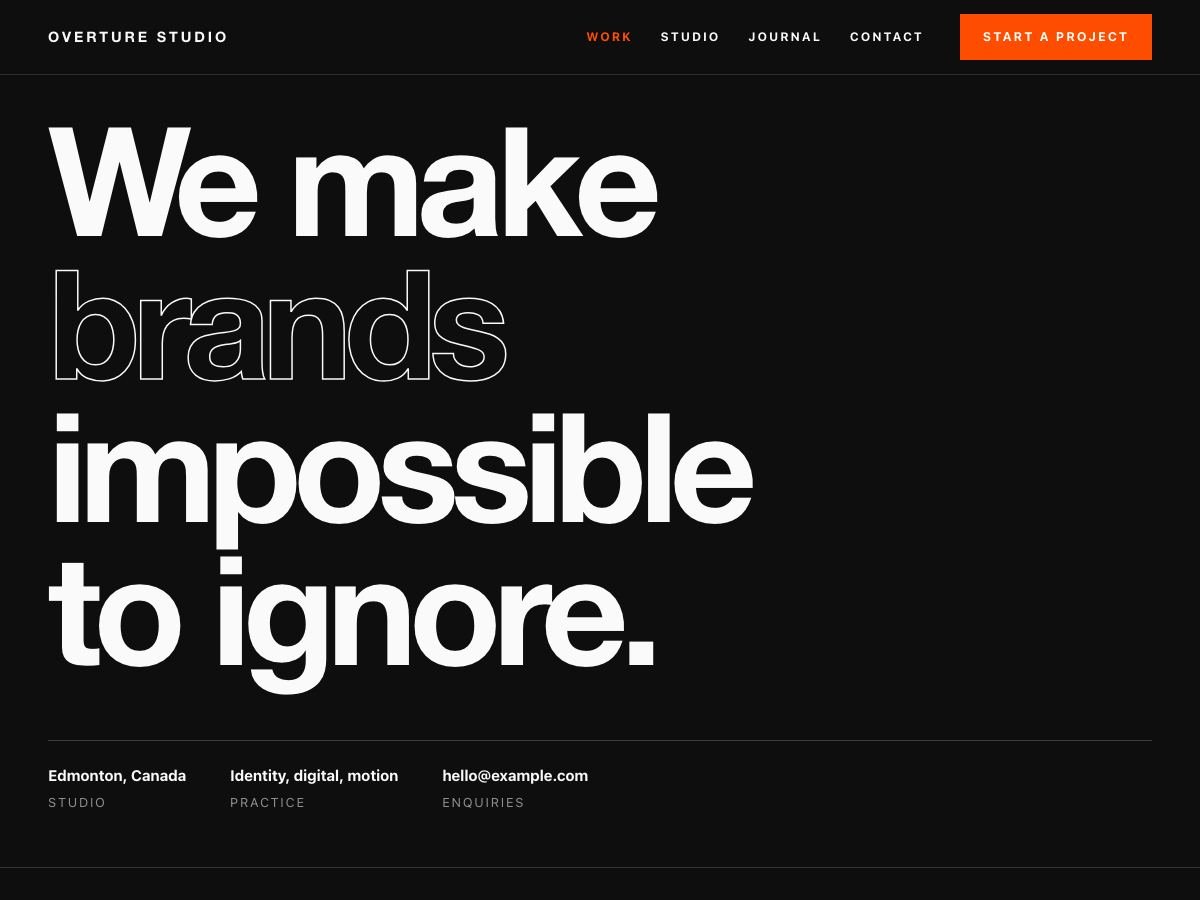
Overture is a free WordPress portfolio theme for designers, studios, directors and art directors who want the site to make an impression before the work loads. It uses oversized display typography, full-bleed alternating case-study rows and a numbered project index that previews each piece on hover. The quiet alternative is our Studioframe theme.
Installing by FTP instead? Unzip it and upload the overture folder into wp-content/themes/, then activate it from Appearance → Themes.
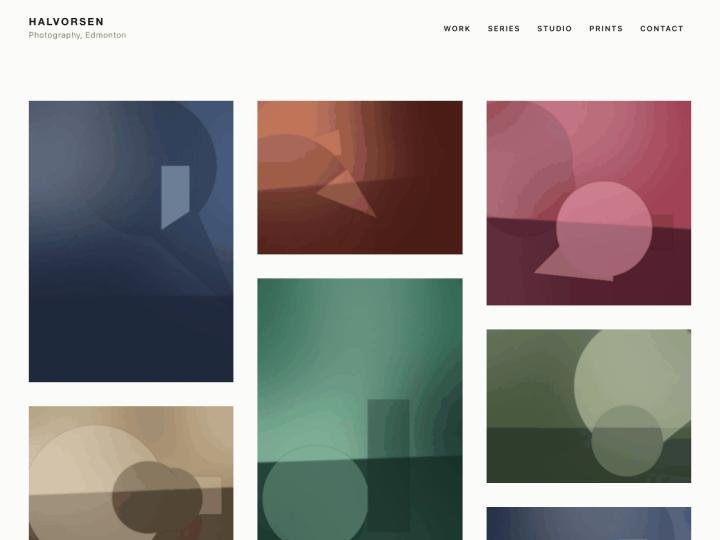
Studioframe is quiet — a masonry grid that disappears behind the work. Overture is the opposite: huge type, full-bleed rows, dark background. Same licence, opposite personality.
No. The headline sizes are fluid with clamp(), so they scale down rather than overflowing. It was checked at 375px.
Yes. Appearance → Customize → Colours → Scheme → Always light, or set your own background colour.
On a touch device the preview image is shown inline under each index row instead, because there is no hover to detect.
WordPress themes are GPL v2+, Shopify themes are MIT. Either way: use it on client sites, change it, rename it, sell the site you built with it. There is no “pro” version being withheld and no licence key.
The download button is a download button. We do not ask who you are and there is nothing to unsubscribe from afterwards.
No Google Fonts, no analytics, no external requests of any kind. Everything the theme needs is inside the zip, which is also why they are small.
Every theme works with the block editor and the Customizer alone. None of them require a plugin to look like the demo.
A clean, fast magazine theme for people who actually write.
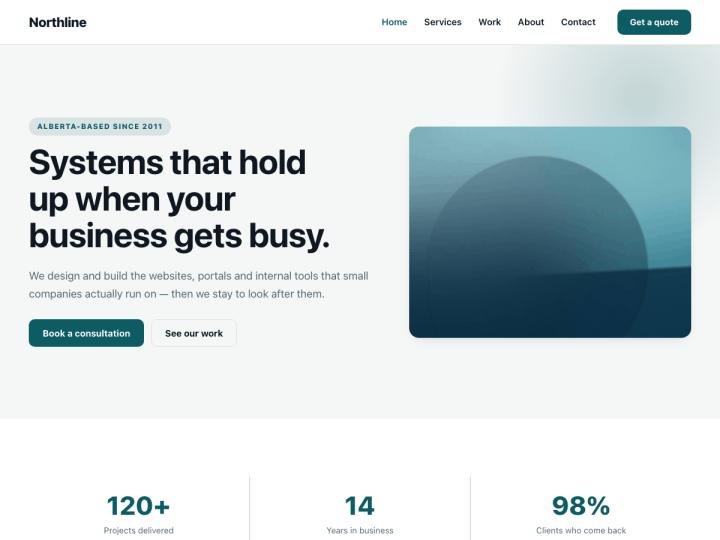
A confident business theme with a hero, services and testimonials built in.
A quiet portfolio theme that gets out of the way of the work.